Coming next
More ways
forward.
The next chapter
The Jernie family is growing. New IQ platforms will appear here as they take shape, each with a different journey in mind.
New ideas. More possibilities.
Different goals. The same simple idea: less switching between tools, more moving forward. Select a platform to watch its video and try the demo.
A clearer way to bring learners, assessors and approved training centres together, from first evidence to visible progress.
A shared space for trainers and clients. Keep plans, check-ins and conversations together, with progress in view.
The Jernie family is growing. New IQ platforms will appear here as they take shape, each with a different journey in mind.
Tell us what you’re trying to achieve and which platform you’d like to hear more about.
Watch the walkthrough, then try it for yourself below.
Watch the platform in use, with key features highlighted as you go. Open full screen for a closer look. Subtitles are optional.
Choose a role and explore with fictional sample data. No sign-up needed.
Add sample evidence, then switch to the assessor view to review it.
This interactive preview uses fictional sample data. Changes stay in this browser tab and reset on reload. No files are uploaded and no messages are sent. Please use example information only.
No. This is a separate interactive preview. It does not create accounts or save changes to the live platform. Sign in through Member login to use your own account.
Learners, assessors and training centres
Real platform screens · Three perspectives, plus evidence authenticity guidance for learners and assessors. Demonstration data. Narration explains the current workflow. The learner chapter shows current AssessIQ screens with fictional practice data. Assessor, centre and final authenticity-guidance visuals retain earlier screens; newer controls are described but are not all shown. Choose a chapter to jump to that role.
Try the AssessIQ interactive demo
AI Edition is included in your one-month free trial, then costs an optional extra £50 per month alongside your subscription. Without the add-on, the additional AI tools switch off when the trial ends. Standard evidence matching stays included. Compare what is included. These illustrations show the current workflows with fictional data; your assessor makes the assessment decisions.
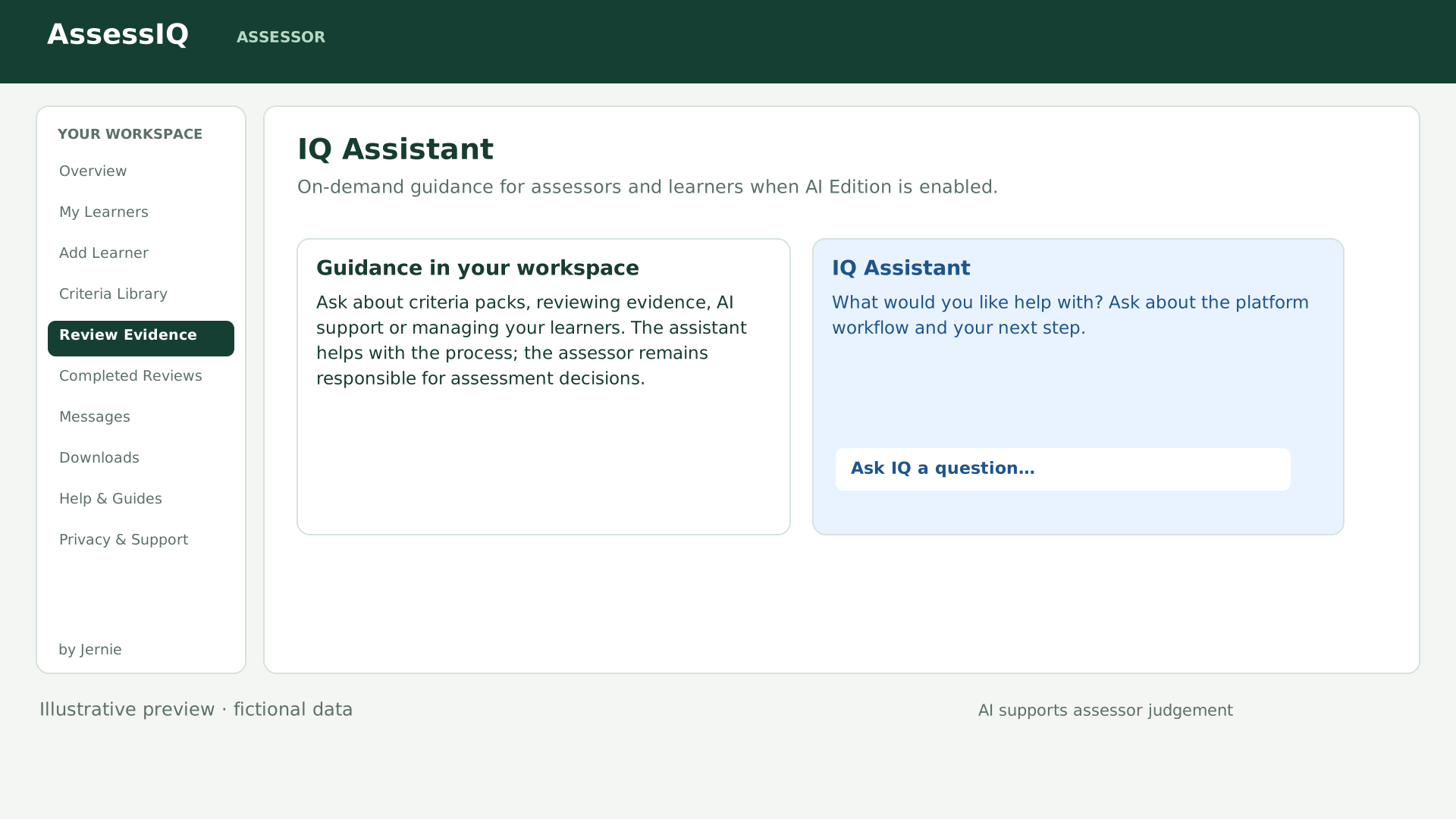
Visible on assessor and learner dashboards, with guidance suited to each role. Availability is managed by Jernie.
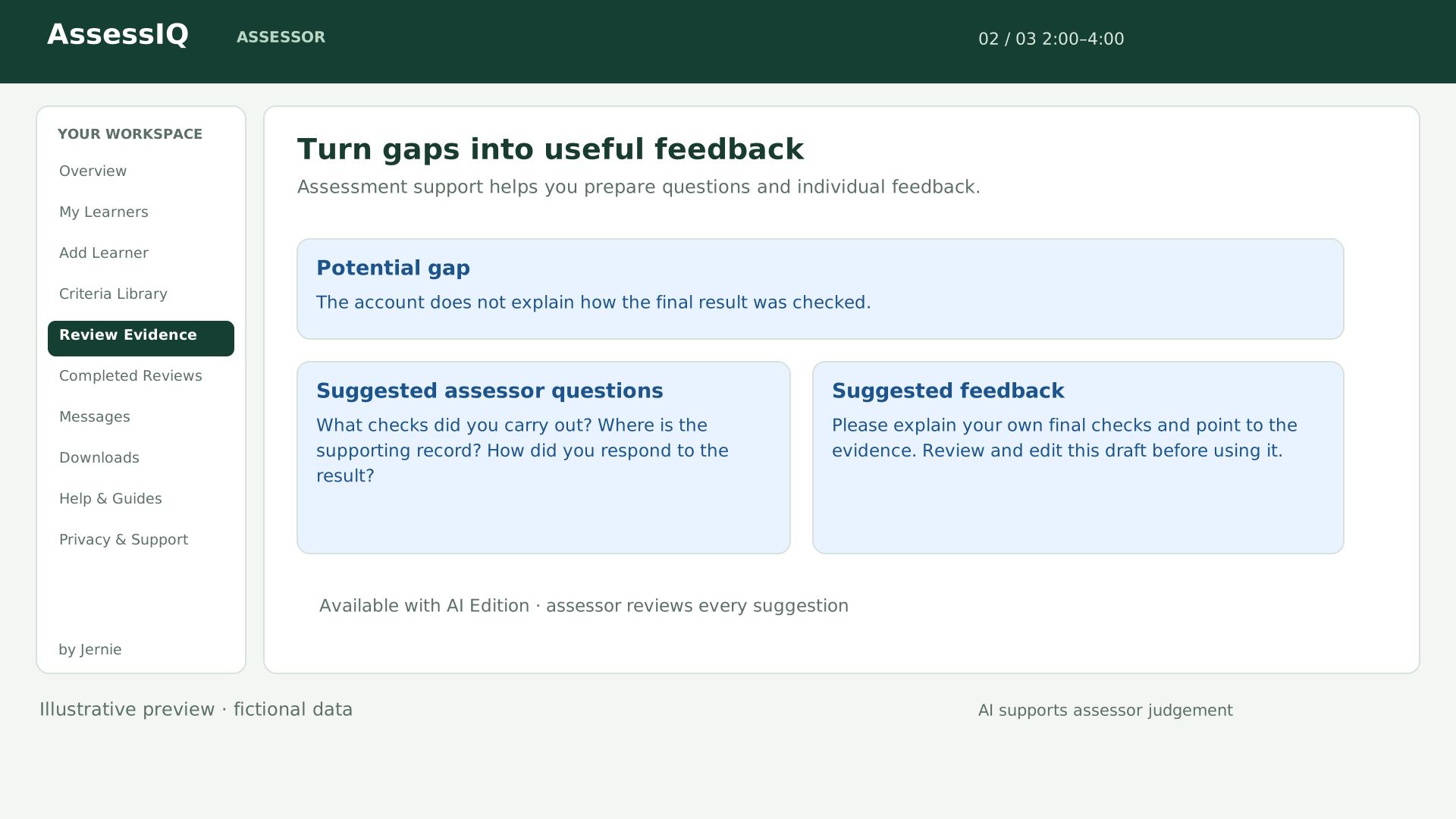
AI Gap Analysis highlights potentially missing coverage. Smart Assessor Questions help explore those gaps, and AI Feedback Drafting gives assessors editable suggestions.
The assessor’s blue AI Evidence Checker identifies suggestions separately from decisions. AI comments and assessment support stay clearly labelled, and the assessor chooses whether to use a feedback draft.
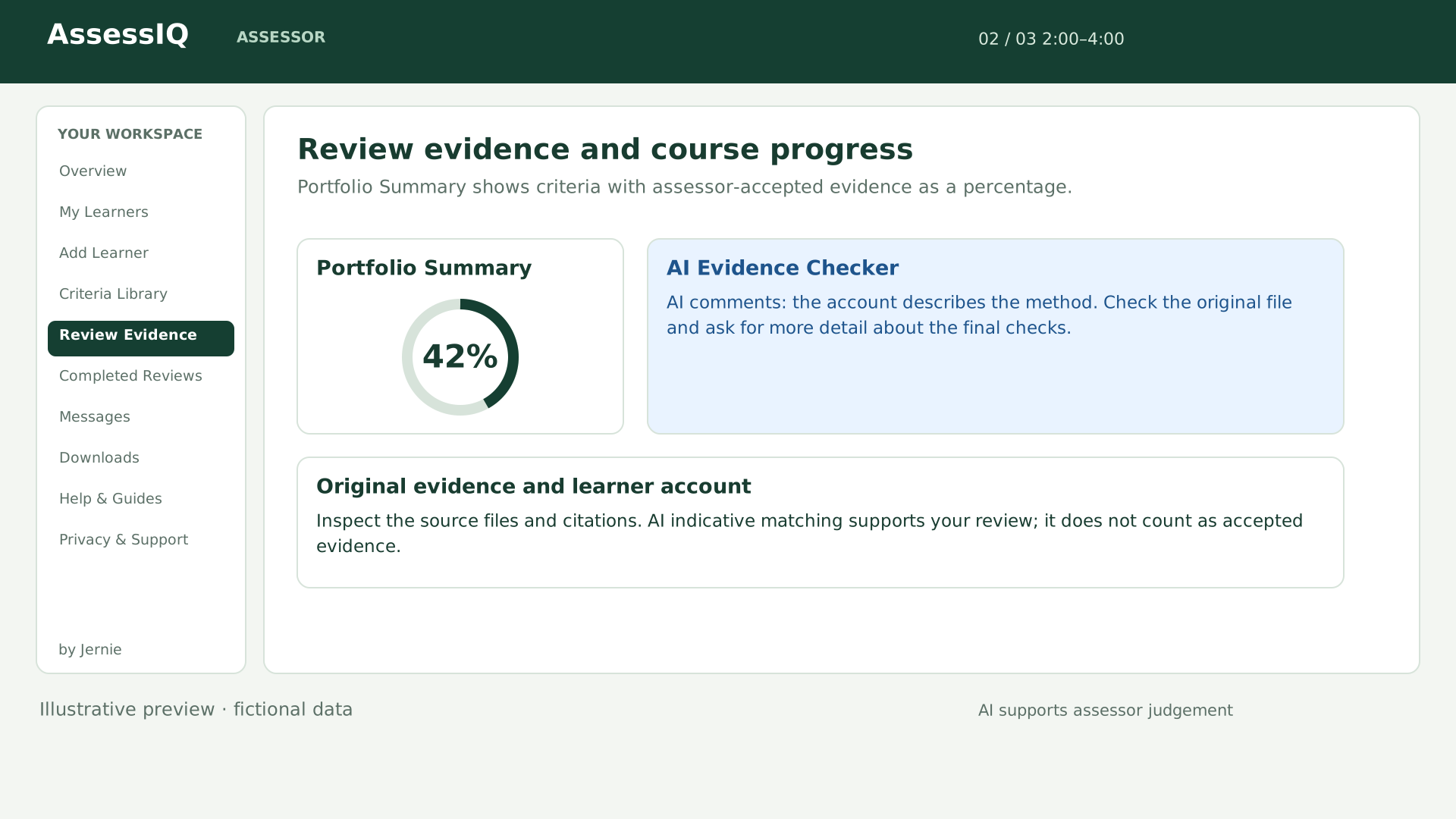
A clear percentage shows how much of the assigned course has assessor-accepted evidence. It uses the course’s controlled criteria and exact version; AI match scores do not count as accepted progress.
Open the learner record for unit and criterion detail, including evidence awaiting review and requested changes.
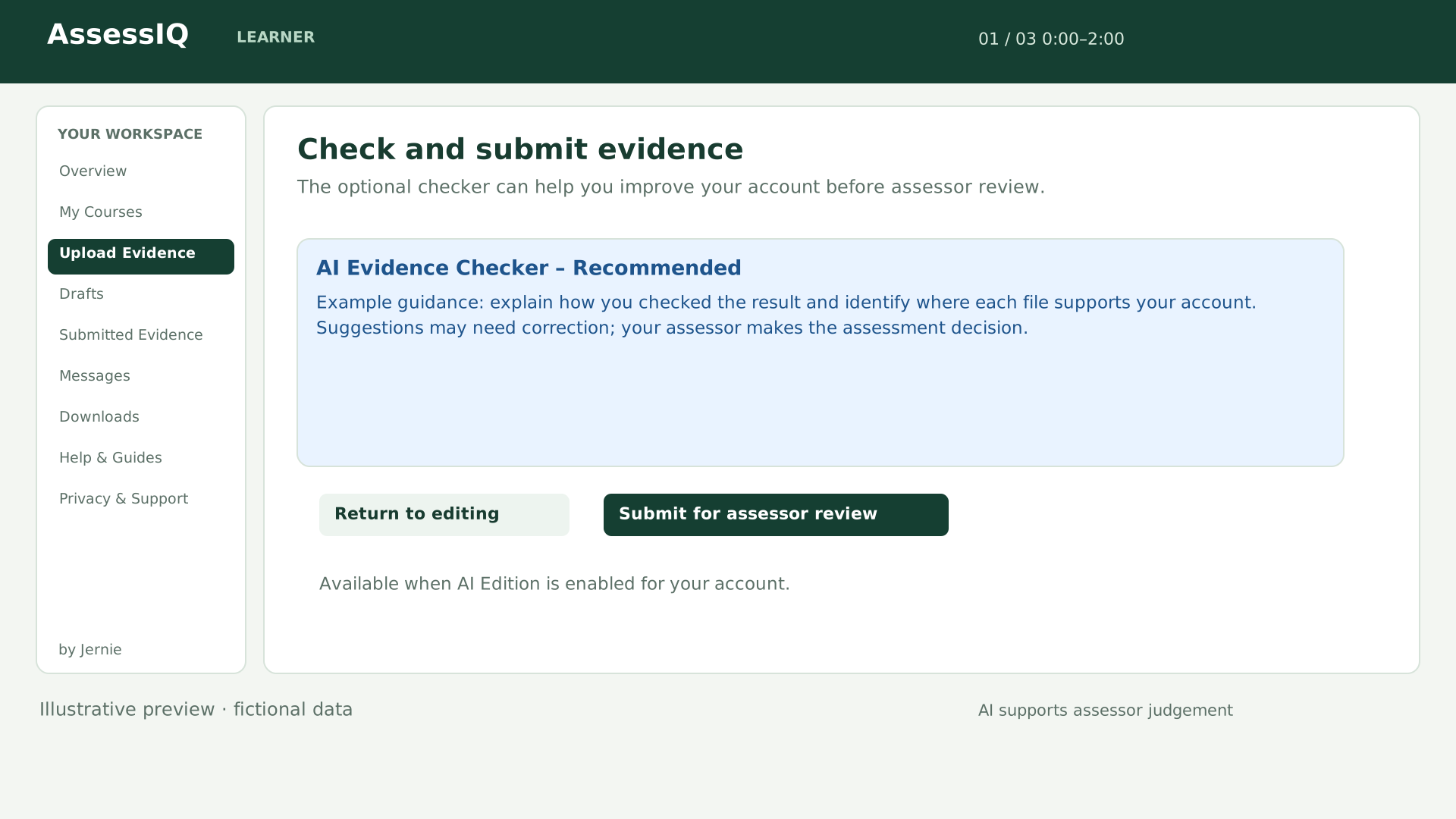
The optional blue AI Evidence Checker – Recommended button gives learners a short gap and file-quality check before submission. They can return to editing, continue despite gaps or submit directly without running it.
Independent assessors can upload a PDF, Word or TXT criteria pack up to 25 MB and let AI prepare the units and criteria. Open the original, check and edit the draft, then approve it before assigning it to a learner.
AI reading is included in the free trial and paid AI Edition, subject to account settings. Manual pack entry remains available in the base plan.
Assessor decisions and notes autosave in the background, with a visible save status and a manual Save review draft option. Choose Accept, Request changes or Not accepted for each criterion before finalising.
Completed Reviews keeps finalised reports available to read. Use Print / Save as PDF to open the browser’s print options.
Downloads brings together evidence ZIPs, saved assessment reports, published reviews, messages and criteria files within each role’s access. Review reports can be opened in a browser and printed or saved as PDF.
The Assessment Audit Timeline retains key actions. Duplicate Evidence Detection flags exact matching files within the same learner and course. IQA Smart Flags and AI/Assessor Disagreement Tracking support checks and professional judgement; flags do not establish misconduct.
Overview brings learner progress, assessor workloads and evidence awaiting review together. Manage assignments in People & Access, contact staff through Assessor Messages and maintain the Criteria Library.
Centres enter and verify their packs’ units and criteria before approval. Quality & Compliance includes assessor approval, IQA sampling and quality actions, with centre files available in Downloads. Ask about a tailored centre plan.
Trainers, clients and visible progress
Updated walkthrough · 4:10 · Choose a chapter to explore the trainer or client workspace.
Try the FitIQ interactive demo